Legal document automation

Turn questionnaires into private client documents and forms

Superlawyer's specialist drafting Apps are guided, matter-linked questionnaires for supported Will, LPA and Probate work. They reuse trusted client and matter data to draft documents, ready to review.

  • Choose the drafting App built for the matter type
  • Work through structured questions and linked choices
  • Create the main document and its accompanying pack together
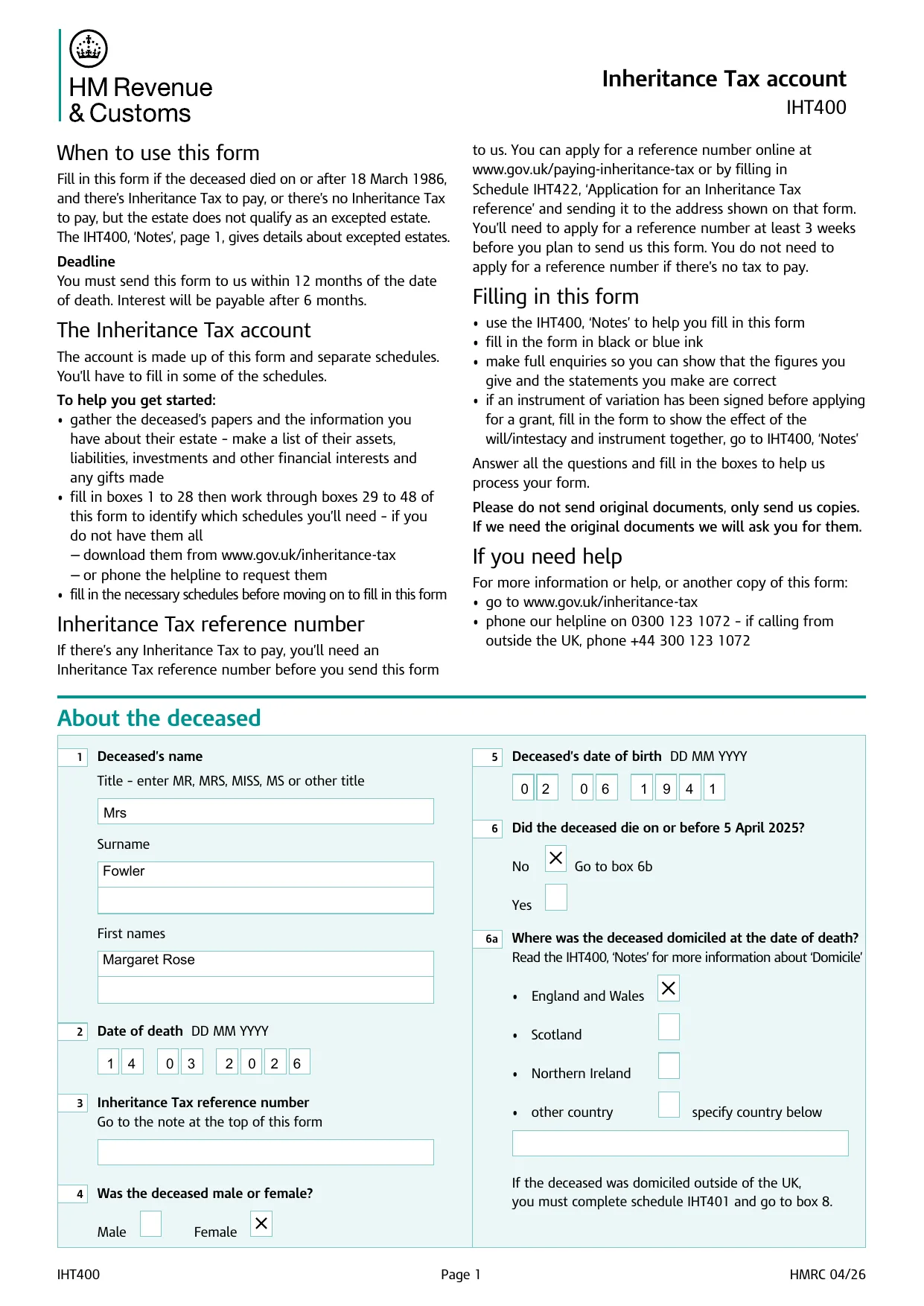
The first page of the HMRC IHT400 Inheritance Tax account, completed through the Probate App
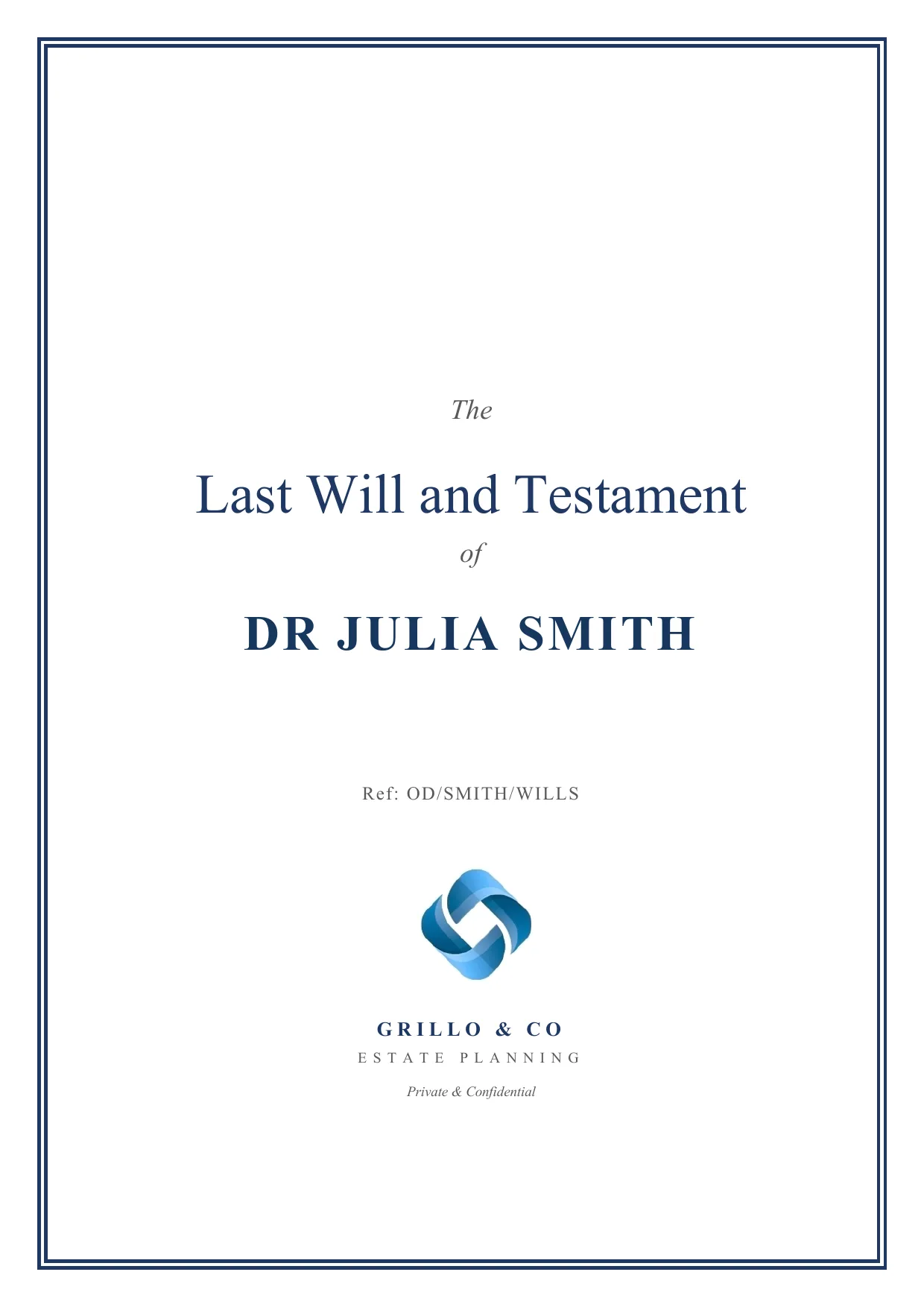
A Last Will and Testament cover page produced by the Will App
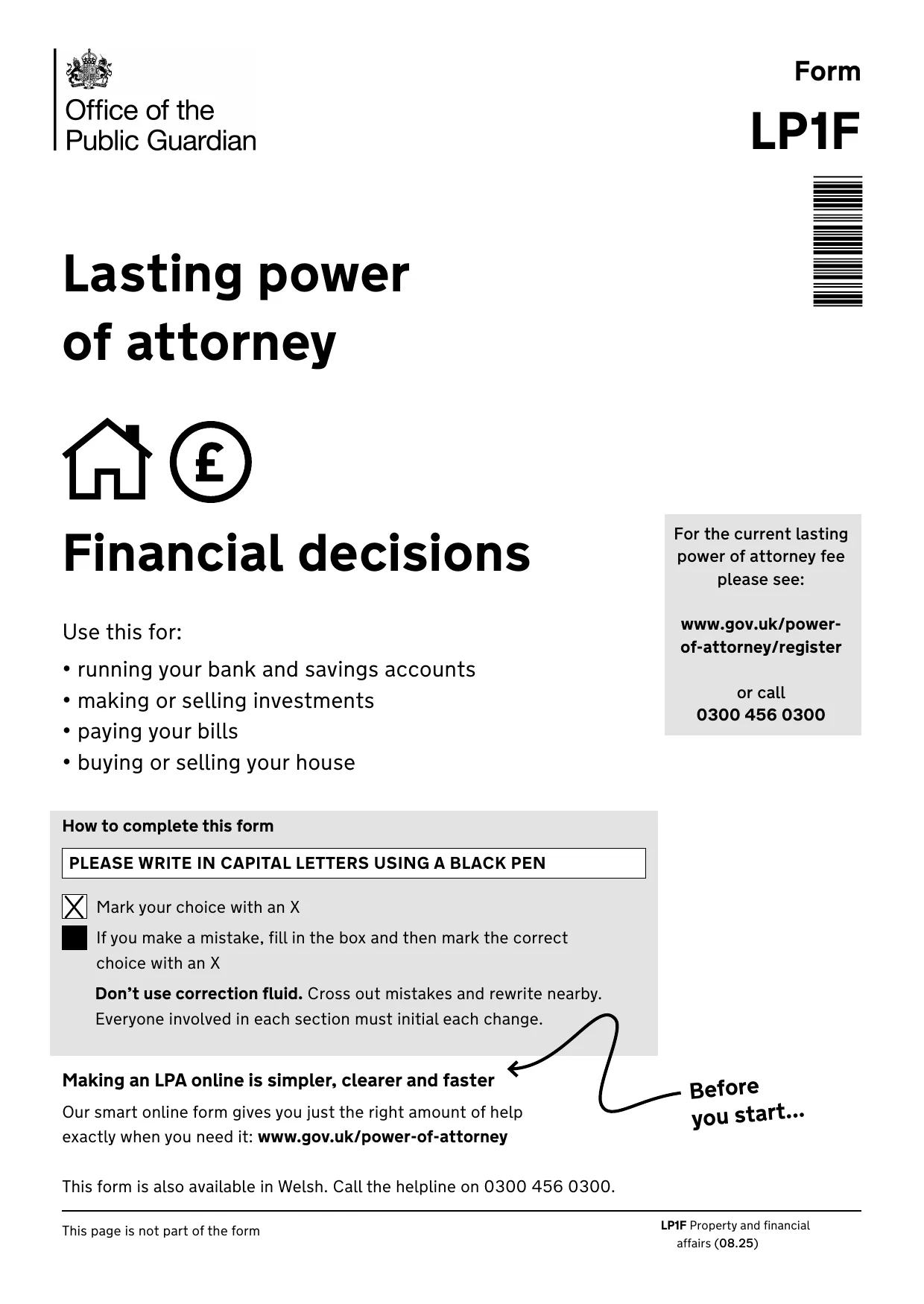
The cover page of the OPG LP1F form, prepared through the LPA App

One journey

Guided questions draft the main document and its accompanying pack

Edit + compare

Refine documents and see exactly what changed between versions

Word + OneDrive

Download Word files or PDFs and work through OneDrive or SharePoint

How it works in practice

See the drafting journey, not just the finished document

Move from guided questions to documents your team can edit, compare and review - alongside every accompanying document the matter needs.

From answers to documents

Your answers become the documents

Each drafting App captures instructions as structured answers held on the matter, then uses them to draft the documents - so nothing is retyped and every answer stays available for review and reuse. There is a specialist App each for Will, LPA and Probate matters.

  • Answers captured once and held on the matter
  • Contextual guidance and structured choices
  • Matter-specific sections for Wills, LPAs and Probate
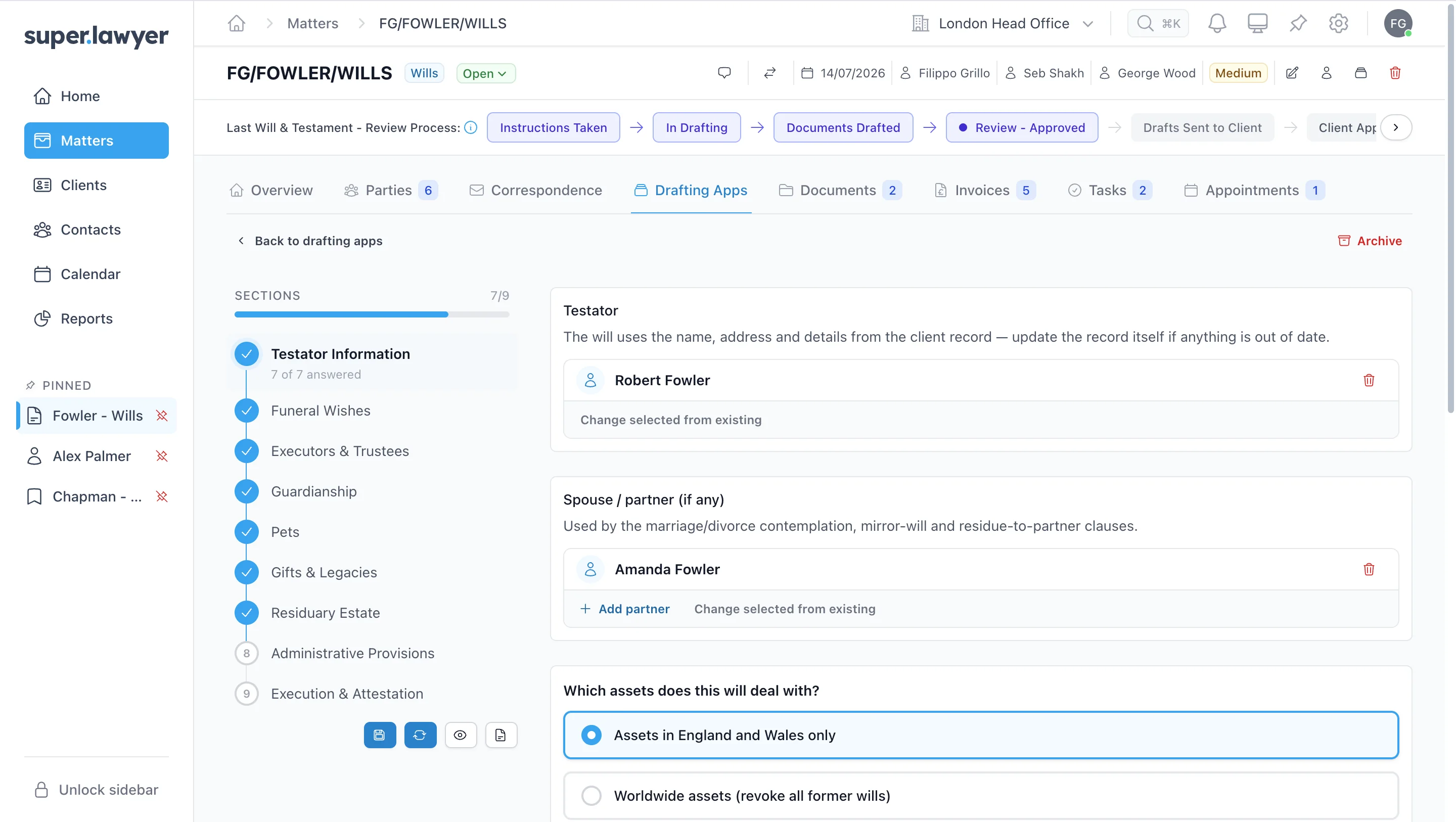
Superlawyer Will drafting App showing guided sections for testator information, executors, guardianship, gifts and the residuary estate
A Will drafting App open inside its connected matter
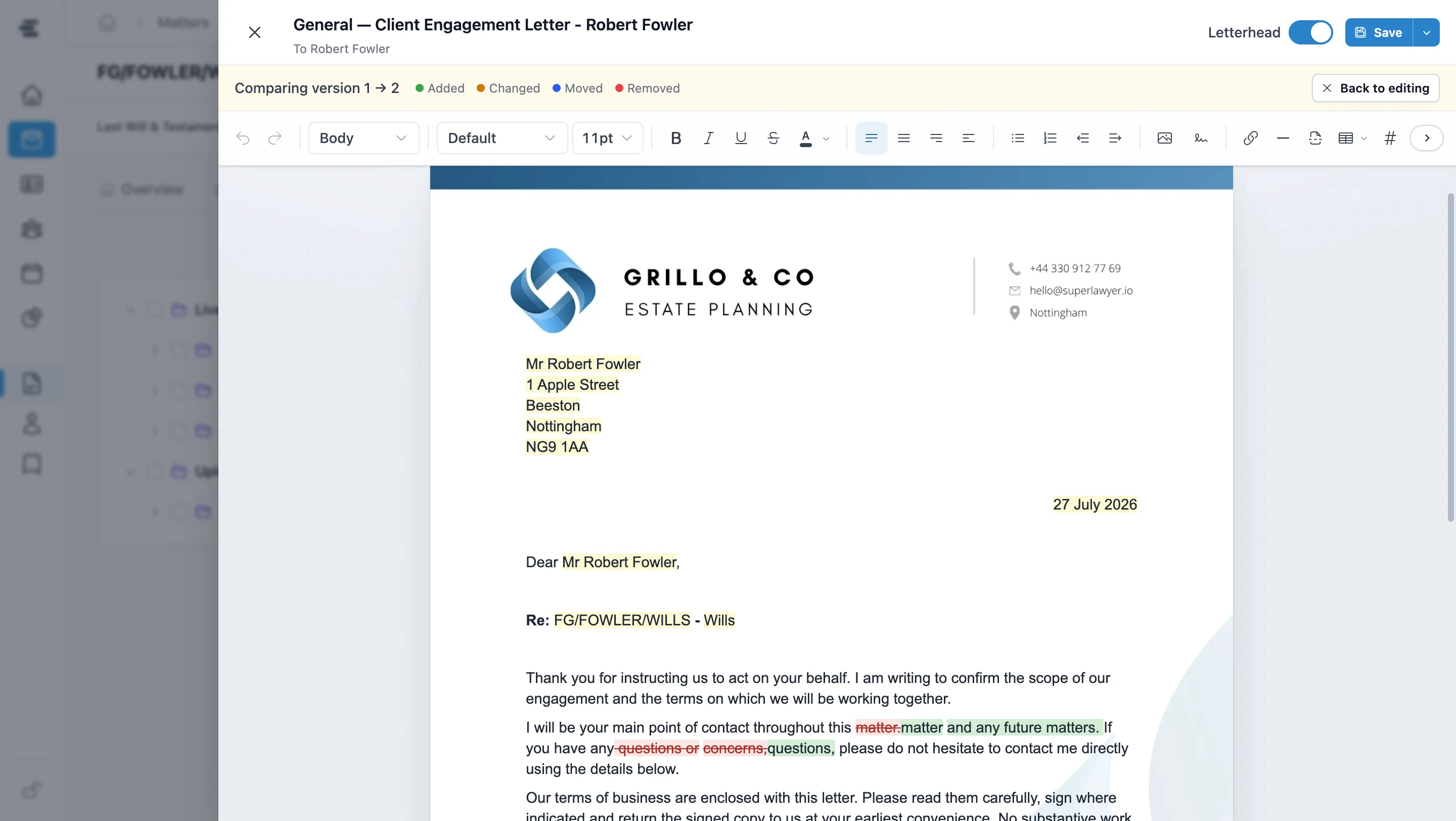
A client engagement letter open in the Superlawyer document editor, comparing two saved versions and highlighting added, changed and removed text
Compare exactly what changed between saved versions

Document editing and version history

Edit and compare documents without leaving the matter

Open generated documents in Superlawyer and refine them with familiar editing controls. Compare saved versions to see exactly what was added, changed, moved or removed - all without leaving the matter.

  • Edit and format documents in Superlawyer
  • Compare changes between saved versions
  • Keep every version connected to the matter

Coordinated document production

Create the main document and accompanying pack from one set of answers

Use the information already captured in the questionnaire to create the Will, LPA document or Probate form and its accompanying documents, with every output connected to the matter.

  • One questionnaire can draft multiple documents
  • Accompanying documents ready to review or customise
  • Edit in Superlawyer or Word, with Word, PDF and OneDrive/SharePoint options

Documents · FG/FOWLER/WILLS

Live Documents

3
  • Last Will and Testament Filippo Grillo · 27/07/2026 14:31
  • Will Commentary Filippo Grillo · 27/07/2026 14:31
  • Executor Appointment Letter Filippo Grillo · 27/07/2026 14:31
One Will App questionnaire - the Will and its accompanying documents, together on the matter

A guided drafting process

From intake forms to documents in minutes

Questions, matter data, drafts and their version history stay connected throughout.

  1. Choose the App

    Open the Drafting Apps tab and choose the specialist questionnaire for the supported Will, LPA or Probate work.

  2. Work through guided questions

    Capture the parties, instructions and matter-specific decisions in structured sections.

  3. Generate the documents

    Create the Will, LPA document or Probate form and its accompanying documents.

  4. Edit, compare and retain

    Compare saved versions, edit in Superlawyer or Word, and retain every output with the matter.

Frequently asked questions

The practical details

Clear answers to the questions private-client practices commonly ask before taking the next step.

What is a Superlawyer drafting App?

A Superlawyer drafting App is a guided, matter-linked questionnaire built for a supported type of private client work. It captures structured instructions and uses them to produce the main document or form and the accompanying documents configured for that matter type.

Which matter types have specialist drafting Apps?

They are available for Will, LPA and Probate matters. The guided questions can produce Wills, LPA documents or Probate forms and the configured accompanying documents (e.g. Will commentary, Executor appointment letter).

Can generated documents be reviewed and edited?

Yes. Every generated document can be reviewed and edited in Superlawyer, with version comparison showing what changed between saved versions. You can also download Word files or PDFs, and documents held in OneDrive or SharePoint can be opened and edited in Word for desktop or Word Online.

See a drafting App in practice

See guided questions become matter-linked documents

Start an assisted trial to explore a representative Will, LPA or Probate journey and see how structured questions, matter-specific decisions and generated documents work together.