Will writing software

Turn Will instructions into complete documents

Take every Will from initial instructions and gift planning to the final Will and accompanying documents - all within one connected matter.

  • Open the specialist Will drafting App from the matter
  • Map beneficiaries, shares and fallbacks in a visual gift distribution tree
  • Choose from a comprehensive library of approved plain-English clauses
  • Instant error-checking flags drafting issues as instructions are entered
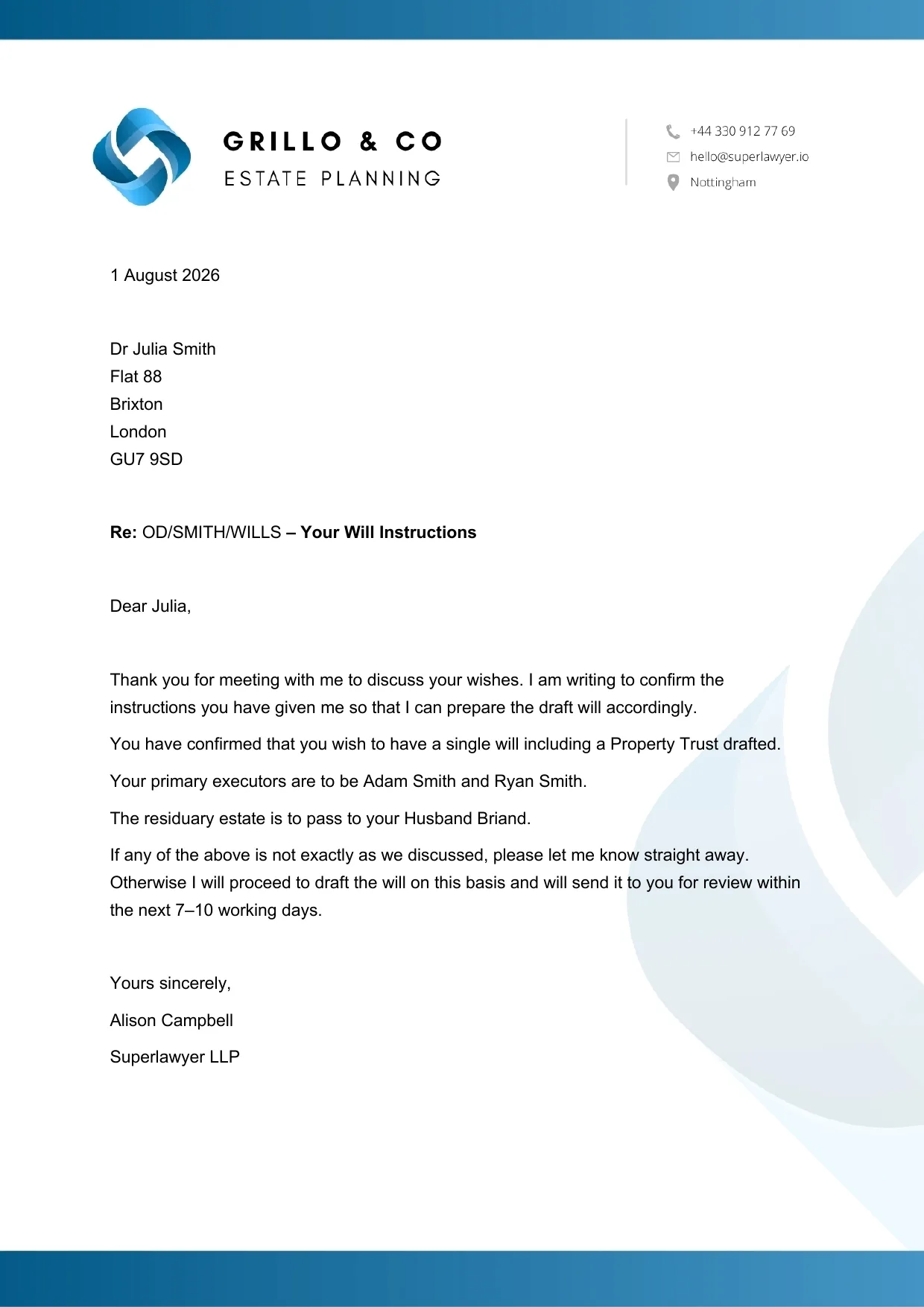
A Will instructions confirmation letter on the firm letterhead, generated by Superlawyer
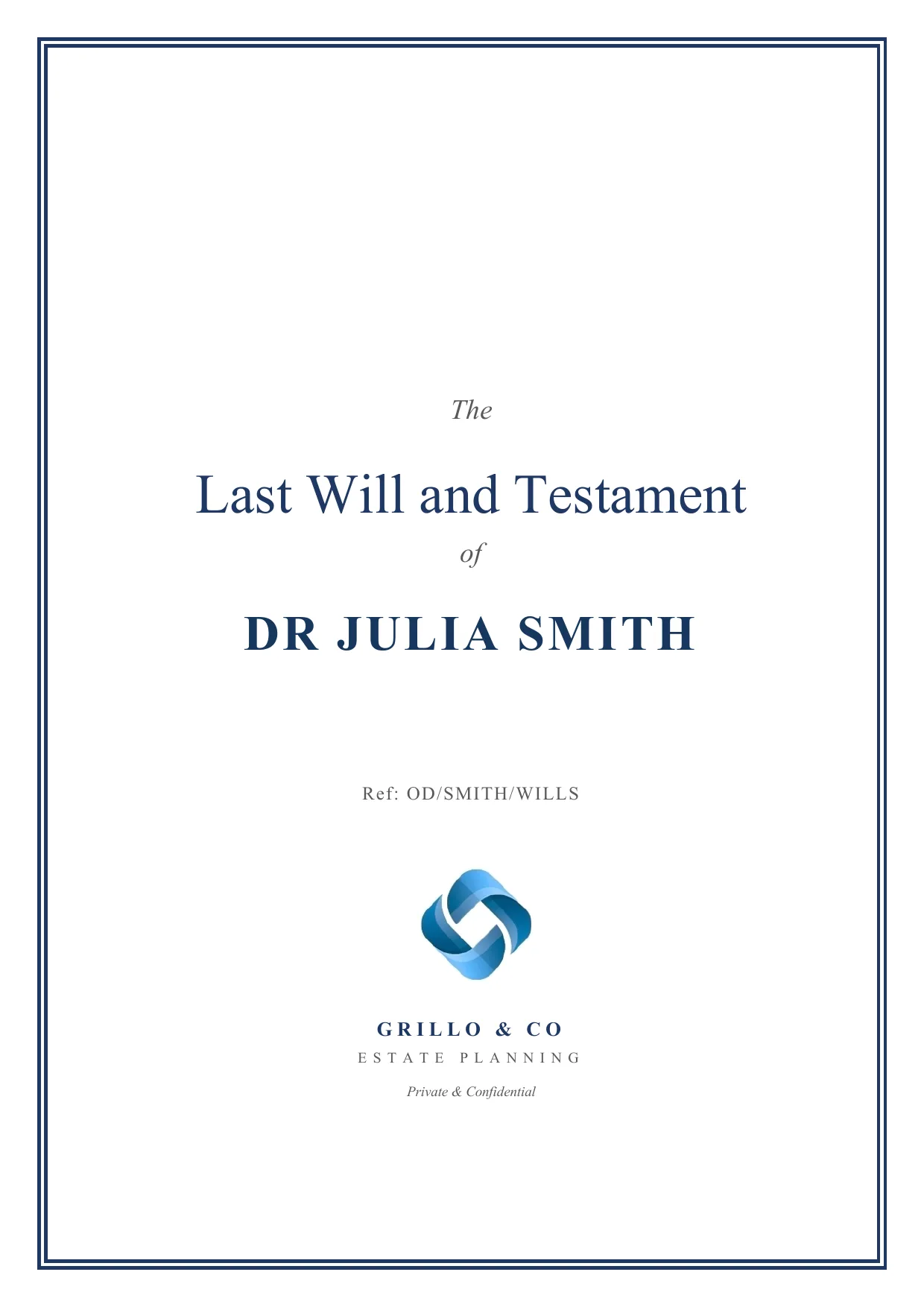
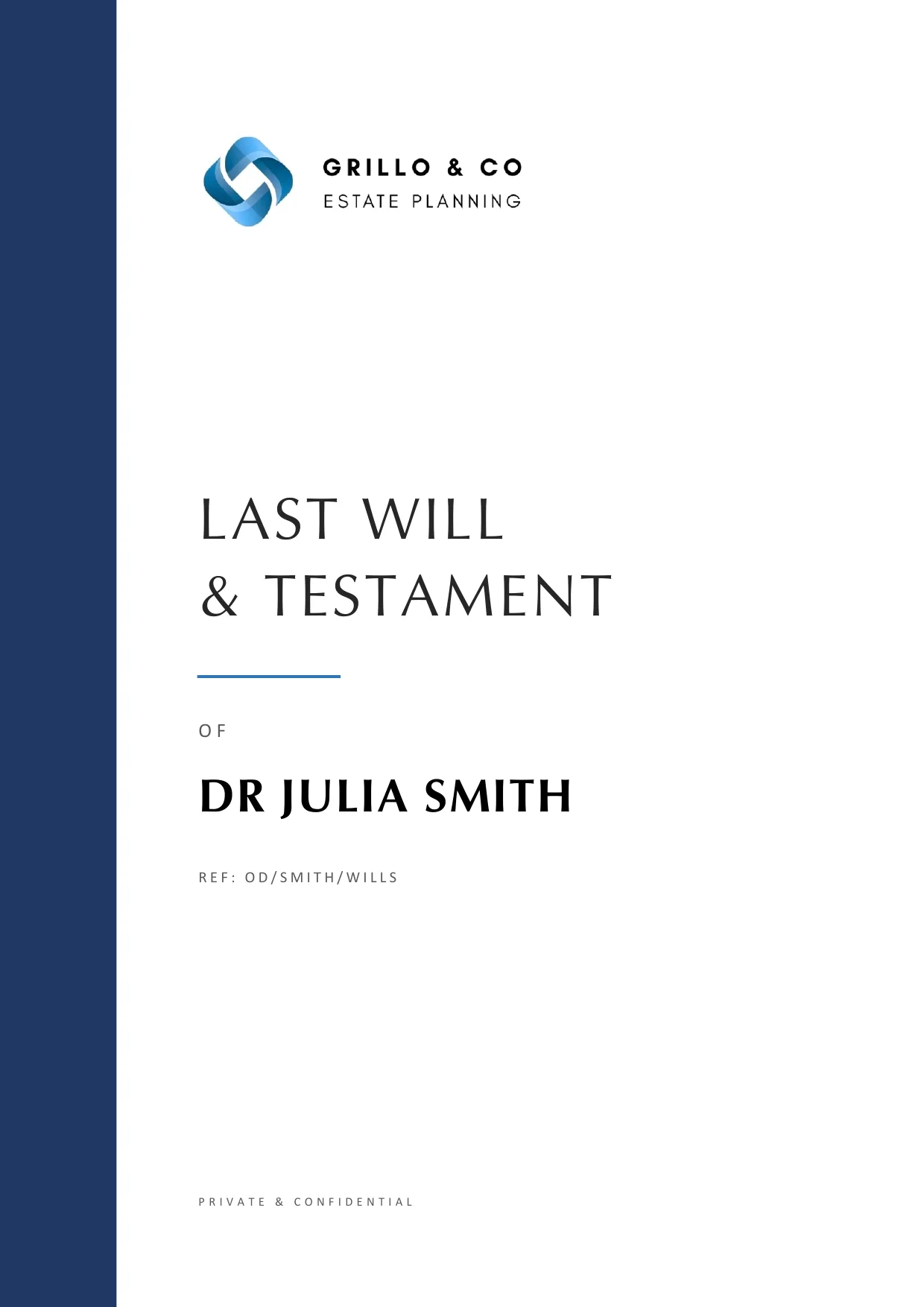
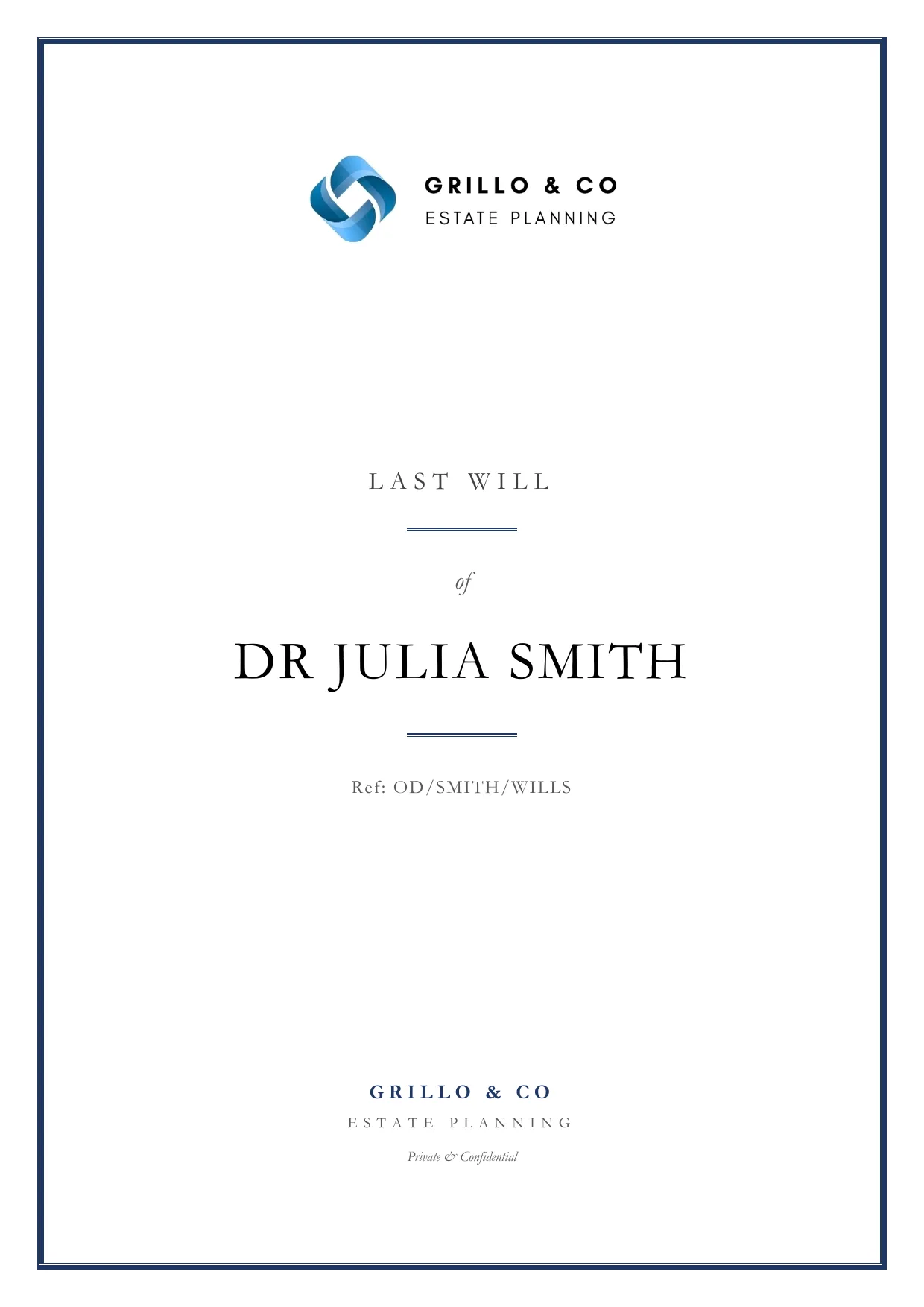
Last Will and Testament cover pages in three firm-branded styles produced by Superlawyer

Visual tree

Map beneficiaries, shares and fallbacks in one clear structure

Clause library

Plain-English wording approved by specialist SRA-regulated firms

Instant checks

Distribution totals, trust setups and witness conflicts checked live

How it works in practice

Draft complex Wills with clearer choices and earlier safeguards

Visual gift distribution

See how every gift, share and fallback fits together

The Will drafting App includes a visual gift distribution tree that turns complex instructions into a clear structure. Add a gift, divide it between beneficiaries in the required shares and define fallbacks while keeping the complete distribution visible before documents are produced.

  • Gift distributions in one clear view
  • Beneficiary percentages visible as the structure develops
  • Fallback recipients linked to the relevant gift or share
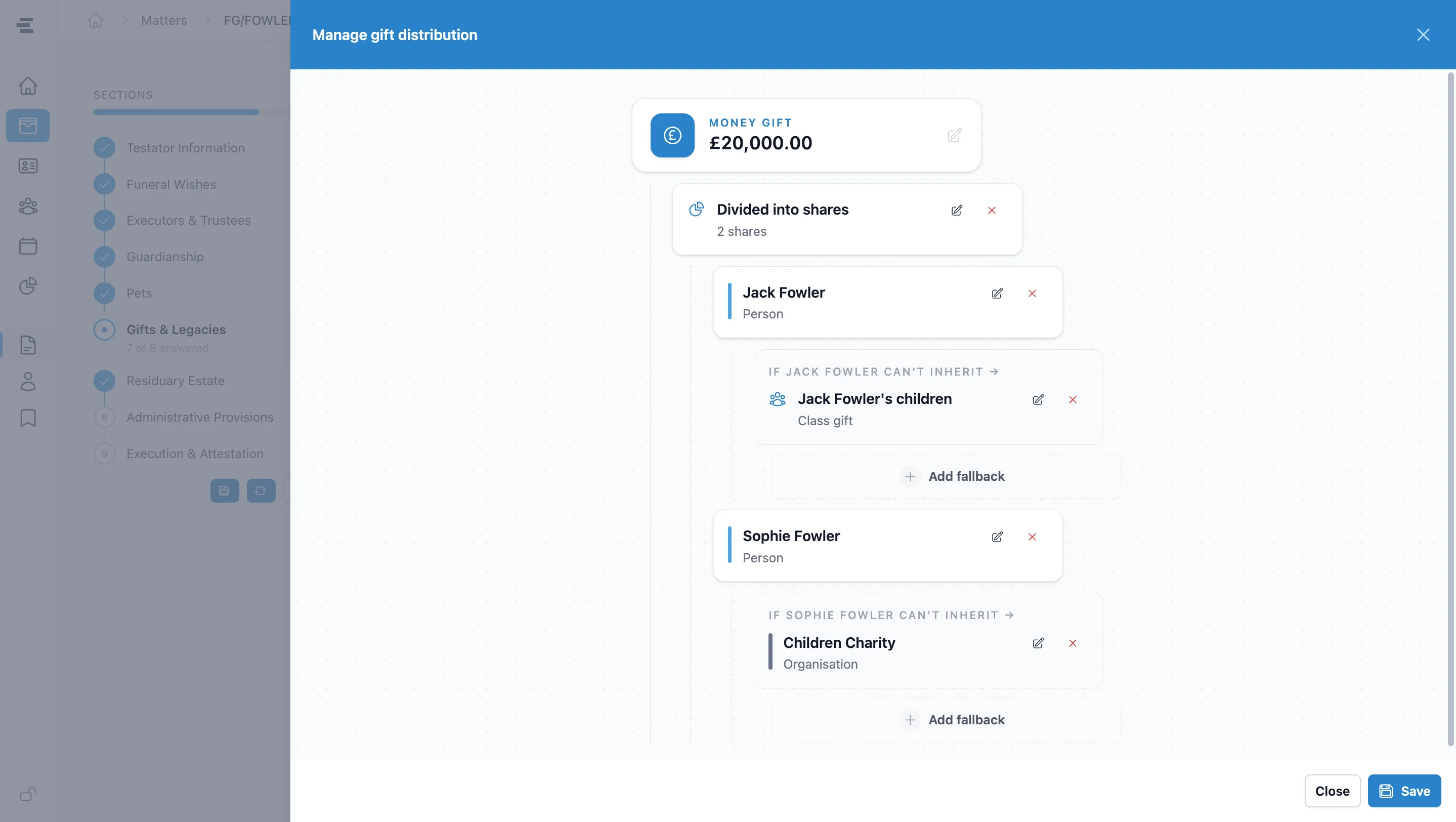
The Superlawyer visual gift distribution tree showing a money gift divided between beneficiaries with linked fallback recipients
A complete gift structure with shares and fallback recipients visible together

Comprehensive clause library

Choose approved clauses for straightforward and specialist instructions

Superlawyer's comprehensive Will clause library is written in plain English and reviewed and approved by specialist SRA-regulated law firms on our advisory panel. It covers every gift and trust type alongside specialist provisions for more nuanced instructions.

  • All gift and trust types covered
  • Specialist provisions for executors, trustees, guardianship and pets
  • Every clause reviewed and approved before it enters the system

Clause library

Last Will & Testament

Specialist approved
  • Gifts & trusts

    All gift and trust types

    Approved
  • Executors & trustees

    Literary and individual fallback appointments

    Approved
  • Guardianship & pets

    Child-specific and pet-specific appointments

    Approved
  • Advanced provisions

    Bespoke Executors and Trustees powers, and tax planning

    Approved
Every clause is reviewed and approved by specialist SRA-regulated law firms before it enters the system.
Illustrative selection from Superlawyer's comprehensive Will clause library

Instant drafting checks

Checks run as instructions are entered

Live
  • Gift distribution

    Shares currently total 90%

    10% unallocated
  • Discretionary trust

    Only one beneficiary selected

    Add another beneficiary
  • Minor's trust

    Only one trustee appointed

    Second trustee required
  • Witness appointment

    The proposed witness is also a beneficiary

    Review appointment
Illustrative examples of checks presented during the guided drafting journey

Instant drafting checks

Catch drafting issues at the point they arise

The Will App checks key instructions as they are entered, giving practitioners immediate warnings and safeguards instead of leaving issues to be found after the drafting journey is complete.

  • Warn when a gift distribution does not total 100%
  • Prevent a discretionary trust with only one beneficiary
  • Require more than one trustee for a minor's trust
  • Flag when a proposed witness is also a beneficiary

From instruction to Will

Four steps from instructions to a finished Will

Everything is captured once - beneficiaries, gifts and clauses stay connected to the matter throughout.

  1. Create a Will matter

    Start from a new or existing matter, with the client's details already captured.

  2. Open the Will App

    Launch the specialist questionnaire from the matter and work through the guided sections.

  3. Map gifts and choose clauses

    Structure beneficiaries, shares and fallbacks in the visual tree, selecting approved clauses and resolving instant checks as you go.

  4. Generate and retain

    Create the final documents and keep the activity, correspondence and outputs connected in one place.

Frequently asked questions

The practical details

Clear answers to the questions private-client practices commonly ask before taking the next step.

What is a Superlawyer Will drafting App?

It is a guided questionnaire within the Will matter. It combines structured sections, a visual gift distribution tree, an approved clause library and instant drafting checks, then reuses trusted matter data to create the Will and configured accompanying documents.

What does the Will clause library cover?

The comprehensive library covers all gift and trust types plus specialist provisions such as literary executor appointments, individual executor fallbacks, bespoke executor and trustee powers, child-specific guardianship clauses, pet provisions with associated gifts and many more. Every clause is reviewed and approved by specialist SRA-regulated law firms on our advisory panel before it enters the system.

What does instant error checking look for?

Checks include gift distributions that do not total 100%, discretionary trusts with only one beneficiary, minor's trusts with only one trustee and proposed witnesses who are also beneficiaries. Warnings appear while the practitioner is drafting so the issue can be addressed straight away.

See Superlawyer in practice

Give your team a more connected way to work

Start with a quick guided demonstration, then explore Superlawyer in an assisted 14-day trial. No payment details are required.